Before and after, in photos.
These are photos of my own jobs, taken before and after. Every job ends with a report that collects them all.
Rather talk it through?+39 351 476 9421WhatsApp
Standard service
Server fronts in a corporate data center


Corporate data center in Rome, in a 9-hour window
There was building dust on the fronts and drives, and the air wasn’t getting through. I cleaned the outside of every unit with air blowing, a HEPA vacuum and isopropyl alcohol, with everything on and without removing or opening anything.
The service never stopped and the client got the report.
The service in detailFront of a multi-drawer storage array
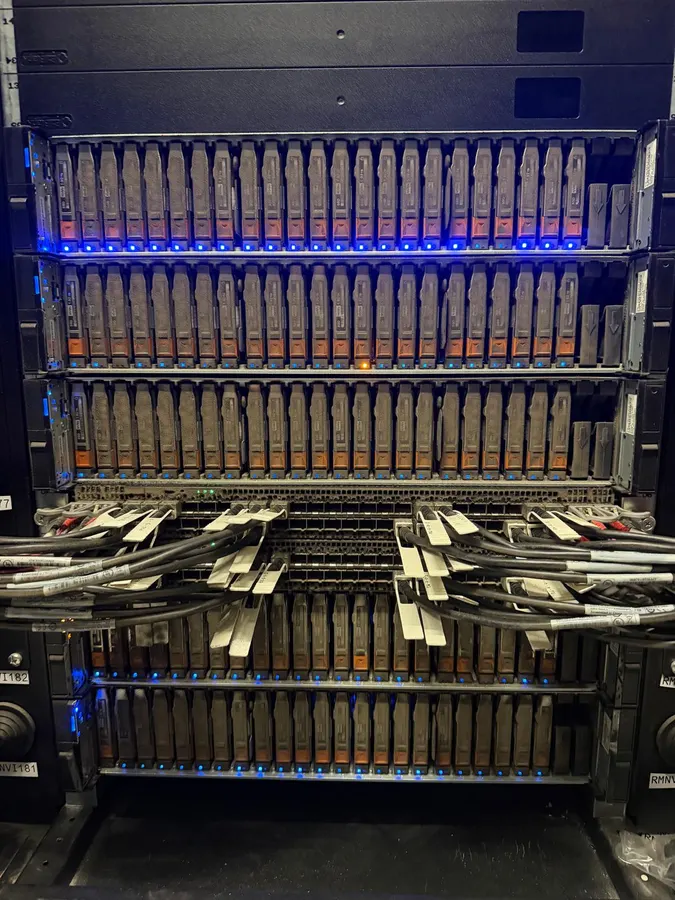
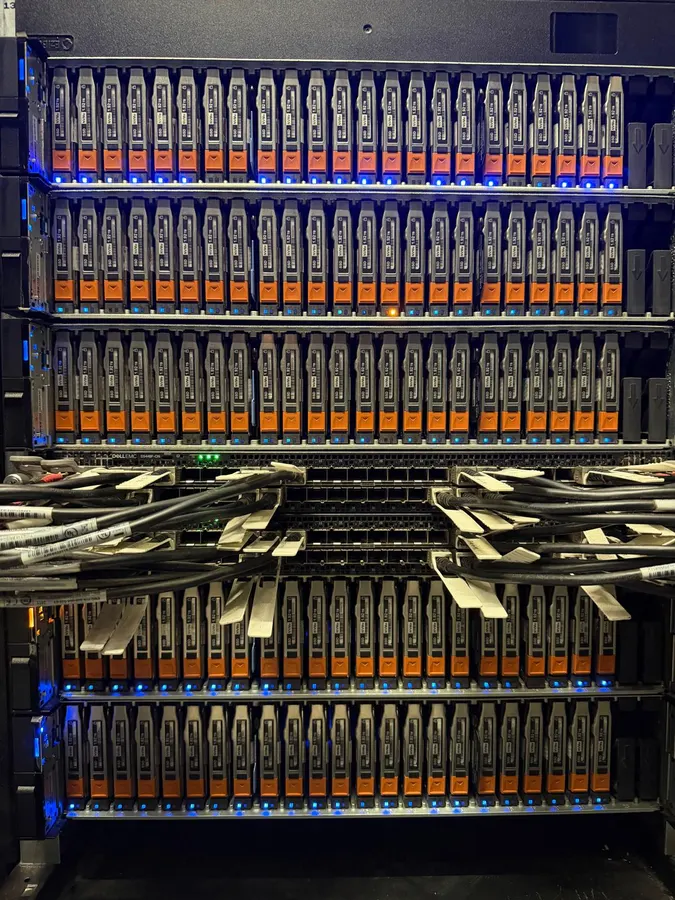
Storage, disk drawers and connections
Dust on the disk drawers and between the connection cables. I cleaned the front with the equipment on, without pulling any drives.
Ports and modules, up close
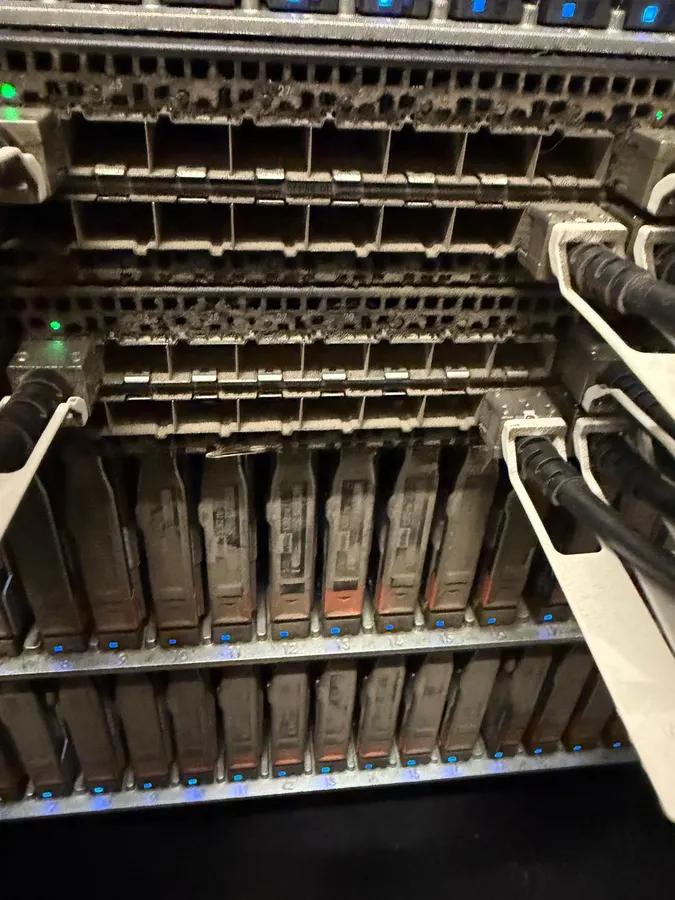
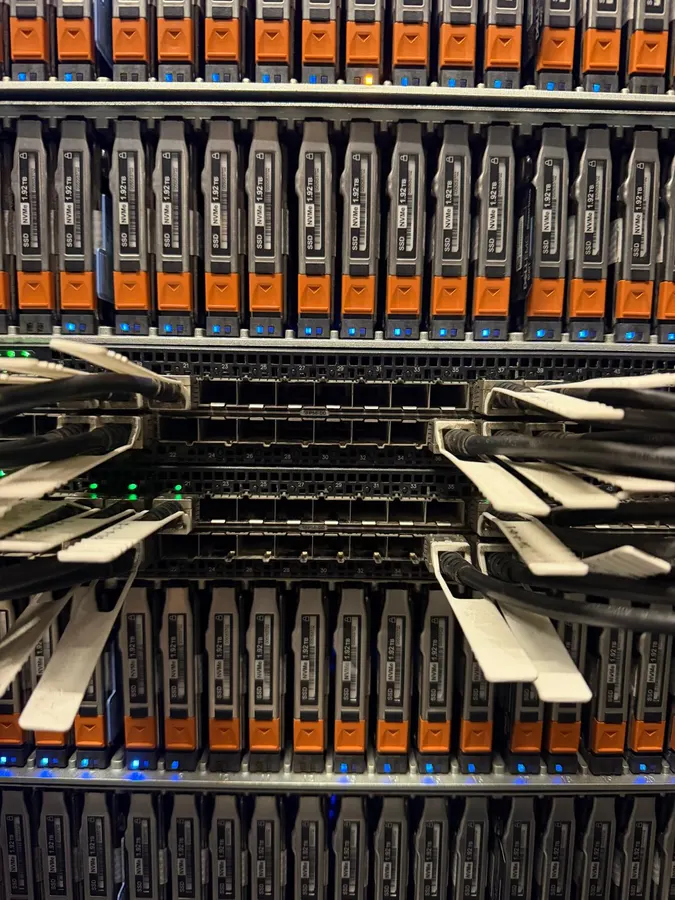
Ports and connection modules
This is where dust shows most: ports, connection modules and drive handles. The cables stayed where they were.
Fronts and air vents
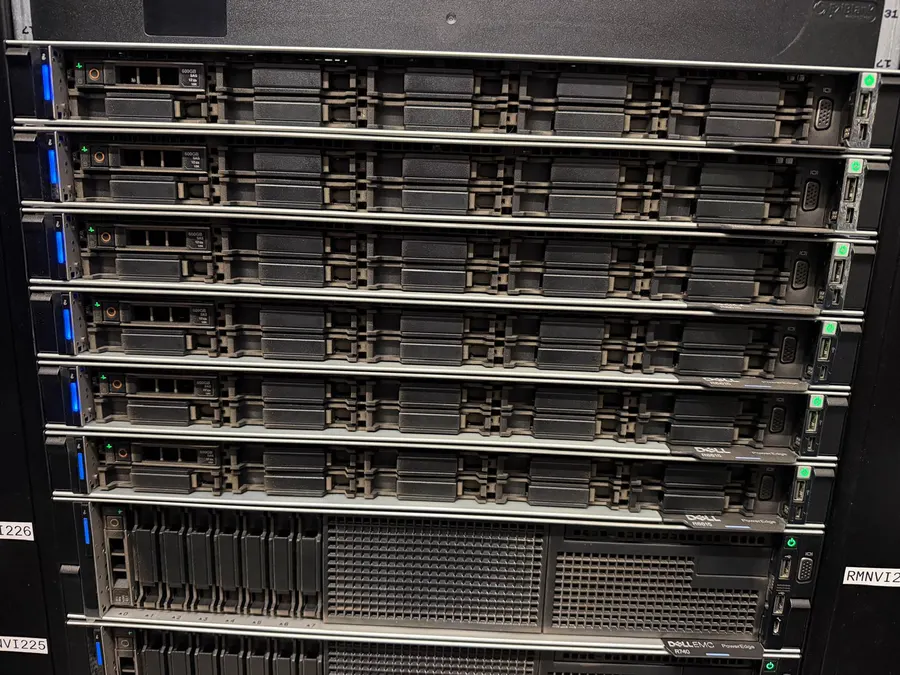
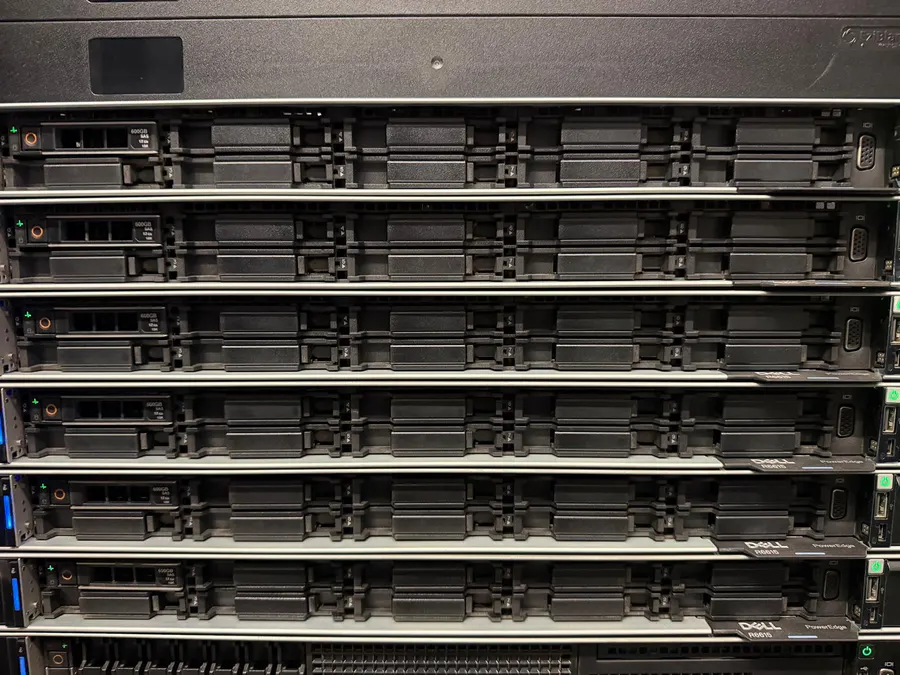
Rack servers, fronts and vents
Dust on the fronts and the vents the servers draw air through. I cleaned them one by one, without switching off or opening anything.
A whole rack, top to bottom
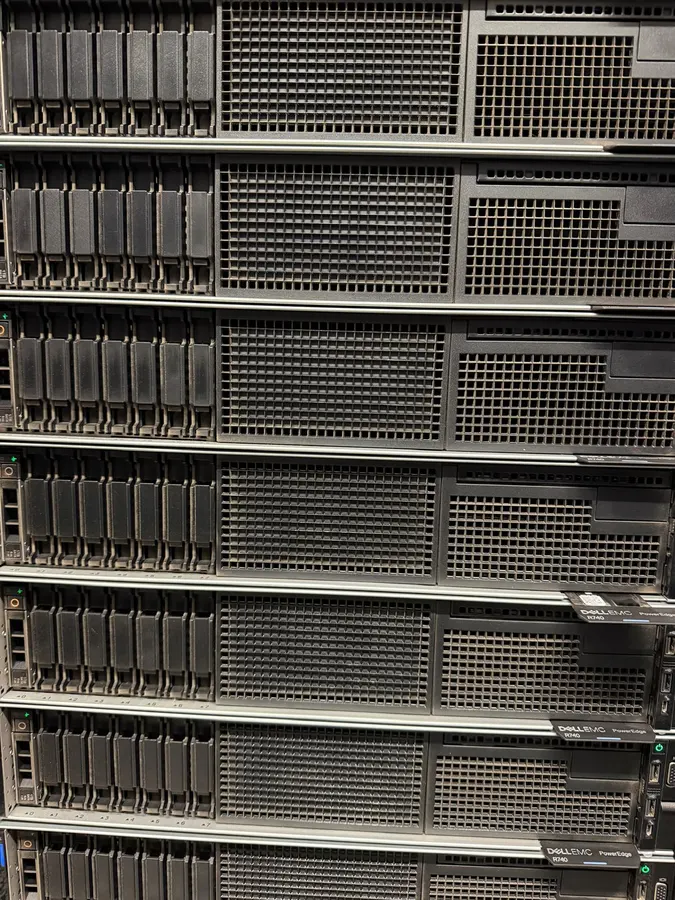
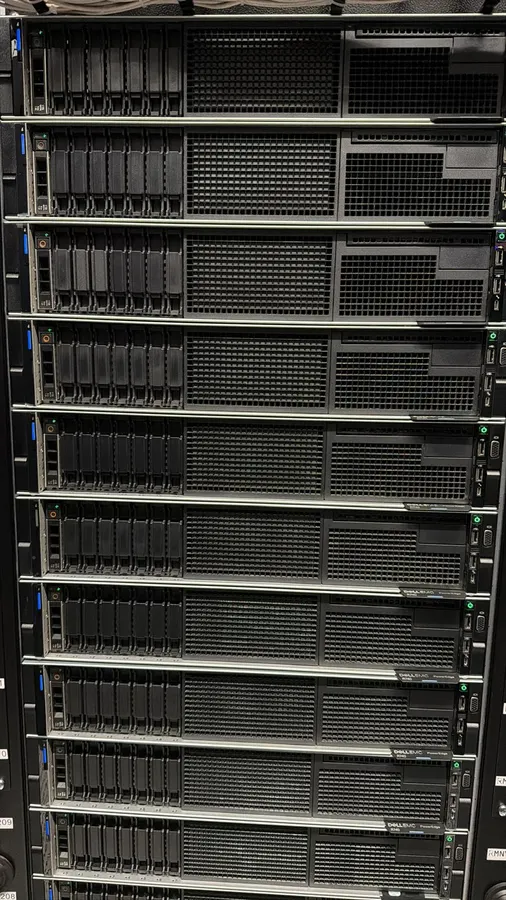
Rack of 2U servers
Fronts and air vents of a rack full of servers. On the left a close-up before cleaning, on the right the rack when the job was done.
The difference in a single shot
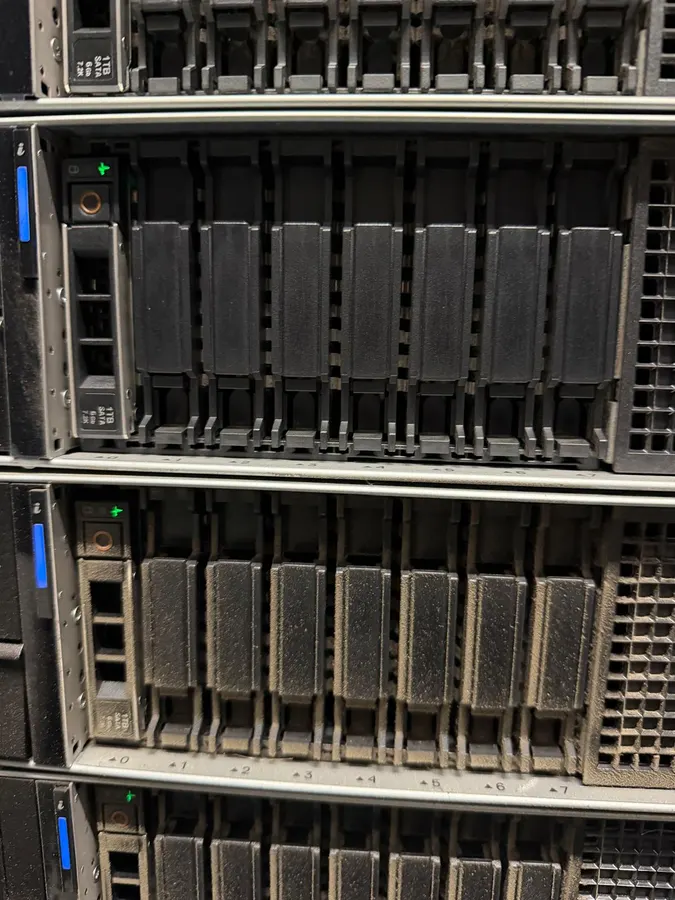
Mid-job
A photo taken halfway through the job: the server at the top has already been cleaned, the one below not yet.
Rack base after construction work


Bottom of the rack, after a renovation
After the renovation, building dust had settled at the bottom of the racks and on the raised floor around them. I vacuumed up all the debris with the HEPA filter and finished with microfiber and isopropyl alcohol.
Rack base clean and report delivered.
The service in detailThe report
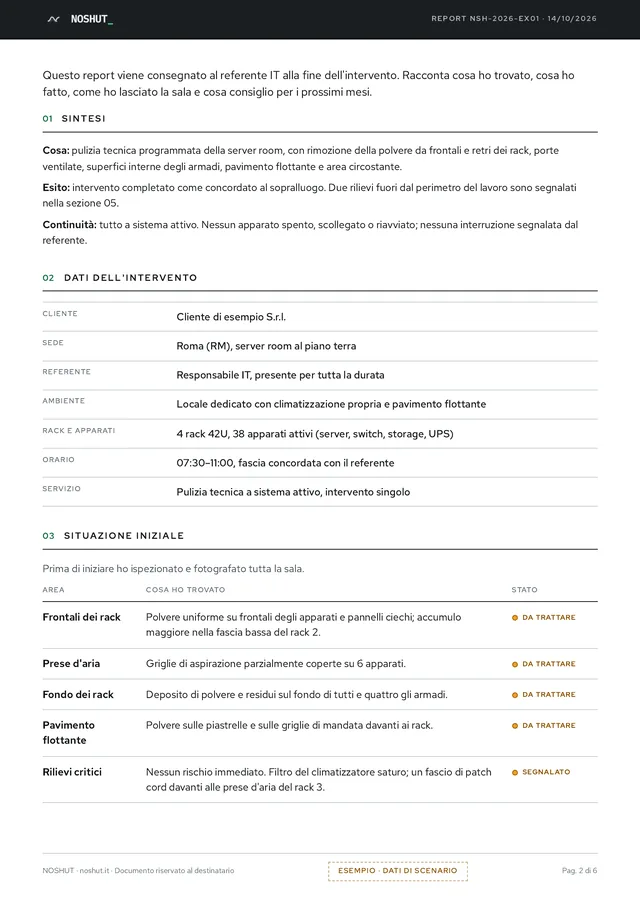
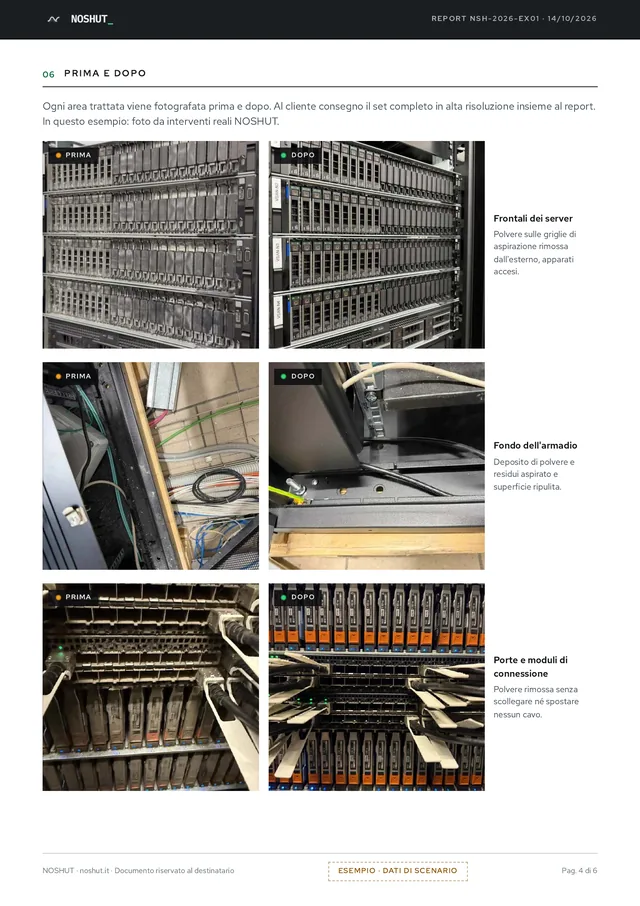
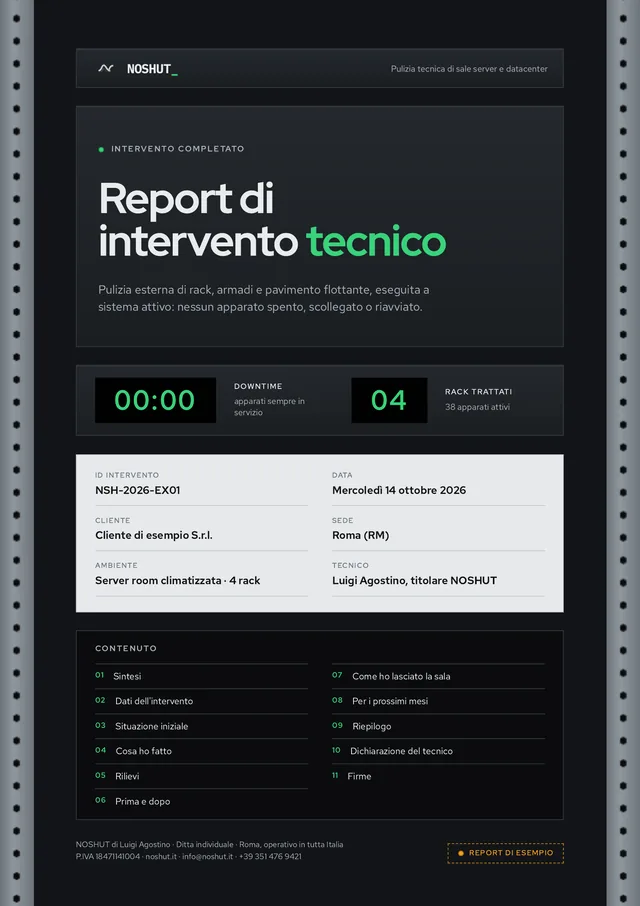
At the end of every job I hand you a report: what I found, what I did, before and after photos of each area and what I recommend. I sign it myself.
Download the sample report 6-page PDF in Italian, with sample dataJobs on request
These aren’t part of the standard service. I did them because a client asked, after checking they could be done safely.
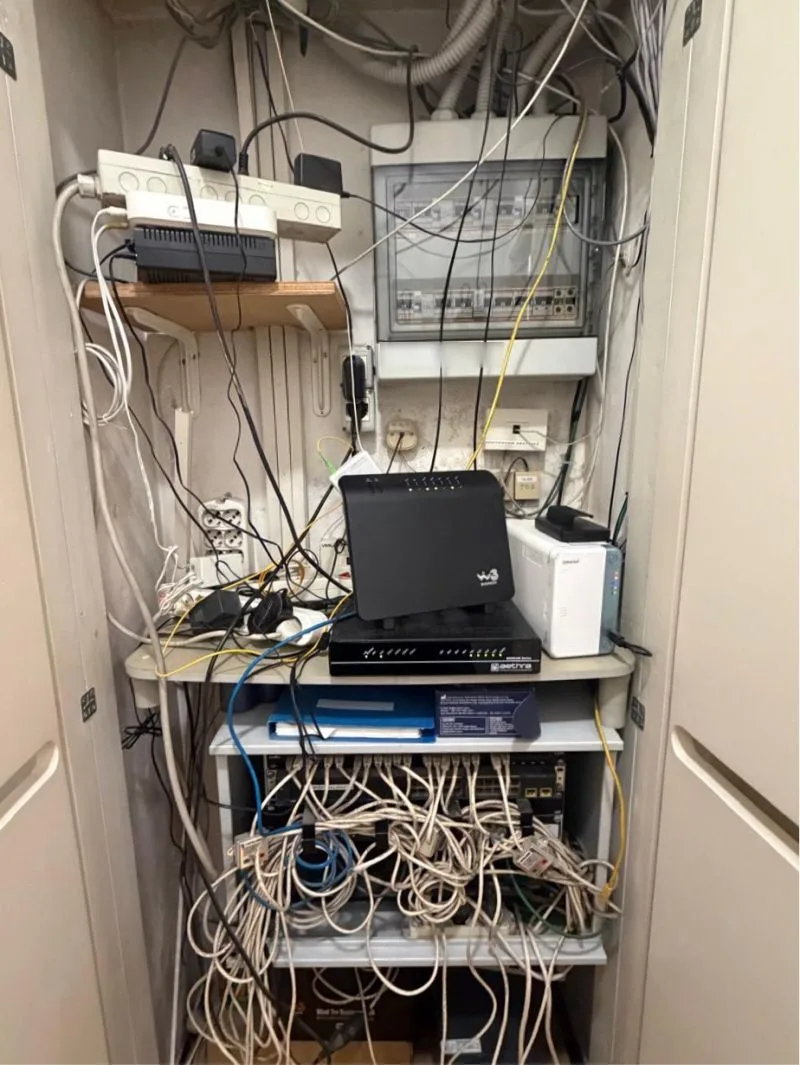
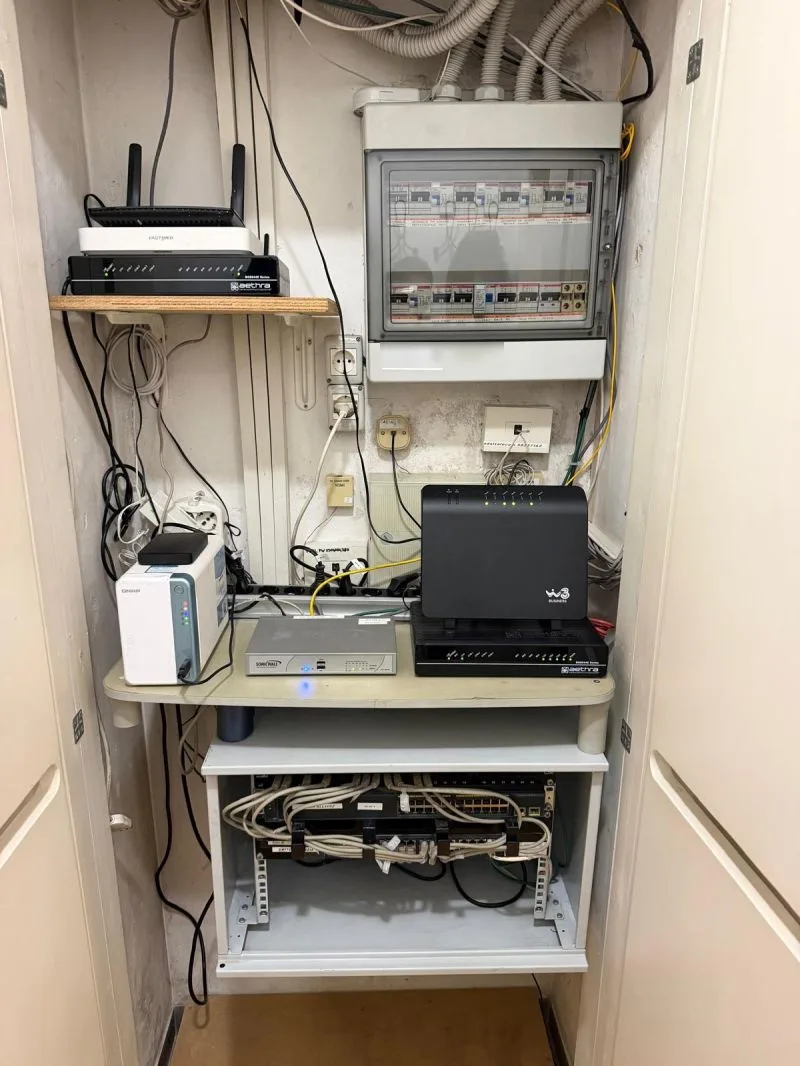
Tidying up a network cabinet
On specific request
Network cabinet in an office in Rome
The patch cords in the cabinet were tangled, and power strips, adapters and a binder sat on the shelves. The client asked me to clean it and put it in order: I cleared the shelves, rearranged the cables and secured them with cable ties.
Cabinet clean and tidy, equipment easy to reach.
Hot-swap cooling fans


On specific request
Components removed and cleaned on an ESD anti-static mat
Dust on the blades and motor makes cooling worse. I took the hot-swap fans out one at a time, cleaned them with a blower and an anti-static microfiber cloth and put each one back in its slot.
Fans cleaned and back in place.
Internal bays and fan housings


On specific request
Inside a server, where the air flows
I cleaned inside the bays: motherboards, RAM modules, heatsinks and fan housings. I vacuumed the residue with the HEPA filter, blew carefully and cleaned the contacts with an anti-static cloth, without spreading dust around.
Components cleaned, and at the end I checked everything was seated properly.
What not cleaning costs
A server room with 10 racks. In yours the figures will differ: they depend on the setting, how much equipment there is, how the air moves and how the room has been kept so far.
Neglected server room
The typical costs and risks that build up over time. These are estimates, not guaranteed figures.
- Extra energy for cooling that works less wellEstimated on 20% higher consumption. Source: Uptime Institute
- ~€4,800/year
- Hardware failure (average cost per event)Source: Statista
- ~€5,000
- Preventable downtime (assuming 2 h/year)Source: EMA Research 2024, ITIC 2024
- ~€10,000
- Early hardware replacementService life shortened by dust and thermal stress
- ~€8,000
With preventive maintenance
What prevention does, in practice, against those risks.
- 4 scheduled visits a year (10 racks)Indicative cost with an annual contract (−20%), 10 racks
- ~€3,200
- Cooling keeps working wellI remove the dust before it blocks the air and pushes energy use up.
- Problems show up earlierIf I find clogged filters, noisy fans or cables at risk, I note them in the report before they turn into failures.
- Equipment lasts longerWith less dust and less heat, equipment wears out more slowly.
In this scenario prevention costs about €3,200 a year. A neglected room can end up costing more than €27,800. Use it to get a sense of the figures, not as a promise of savings. We look at the numbers for your room together at the free site survey.
Scenario sources: EMA Research 2024, ITIC Hourly Cost of Downtime Survey 2024, Uptime Institute, Statista.Free slot
The job in your room ends with a report like these too. It starts with a site survey, free of charge.
- Phone
- +39 351 476 9421
- +39 351 476 9421
- info@noshut.it
Request received, thank you.
I’ll reply myself within 24 hours.